Image Optimizer by once
Advanced Image Optimization Expert
Advanced Image Optimization Expert
Automatically compress images achieving the highest compression ratio at consistent image quality.
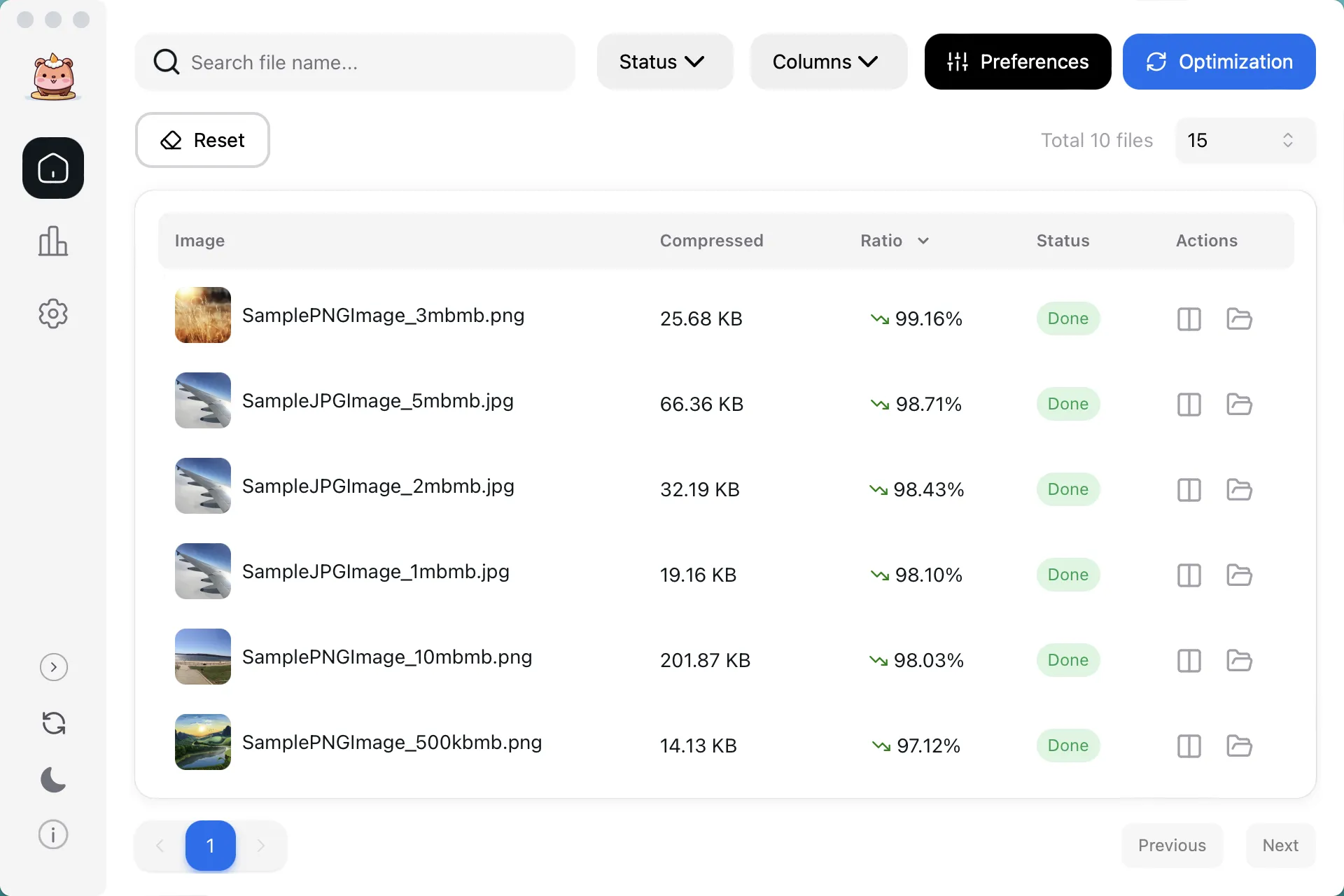
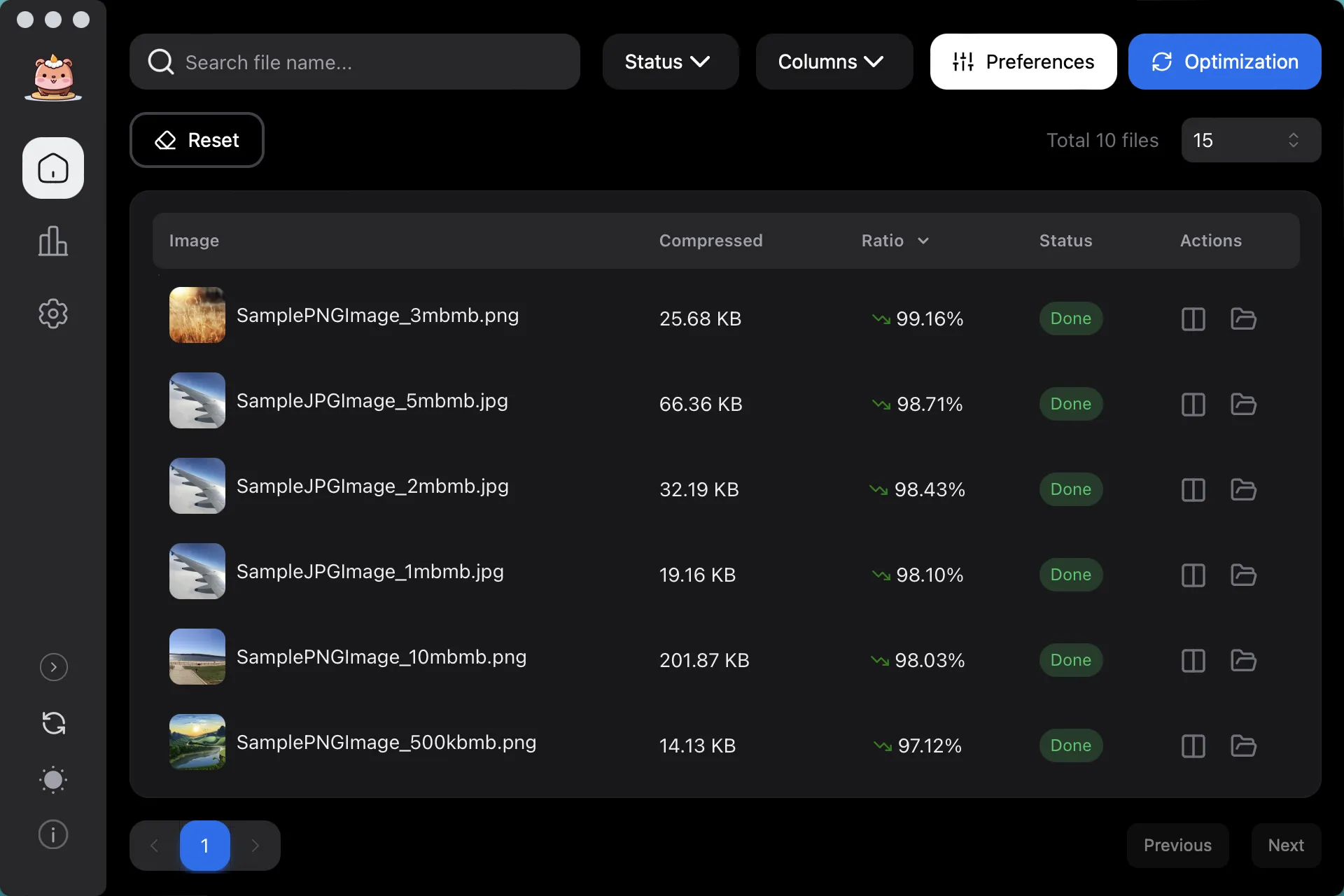
Compression, conversion, and cropping for formats such as WEBP, AVIF, JPEG, PNG, GIF, TIFF, HEIF, JP2K, etc.
All downloads are secure and verified
Features
Discover the ideal scenario for you
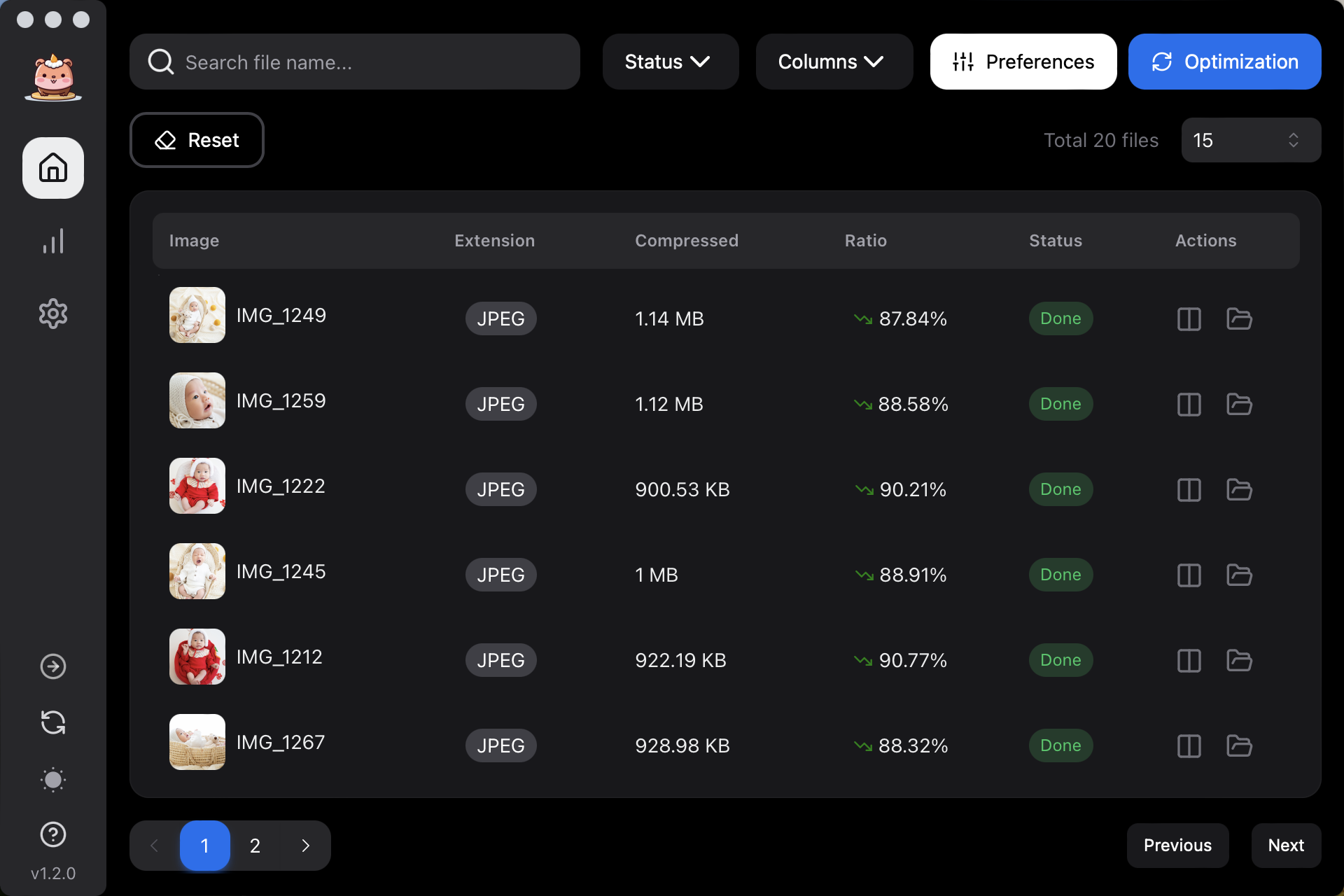
Unlimited Times
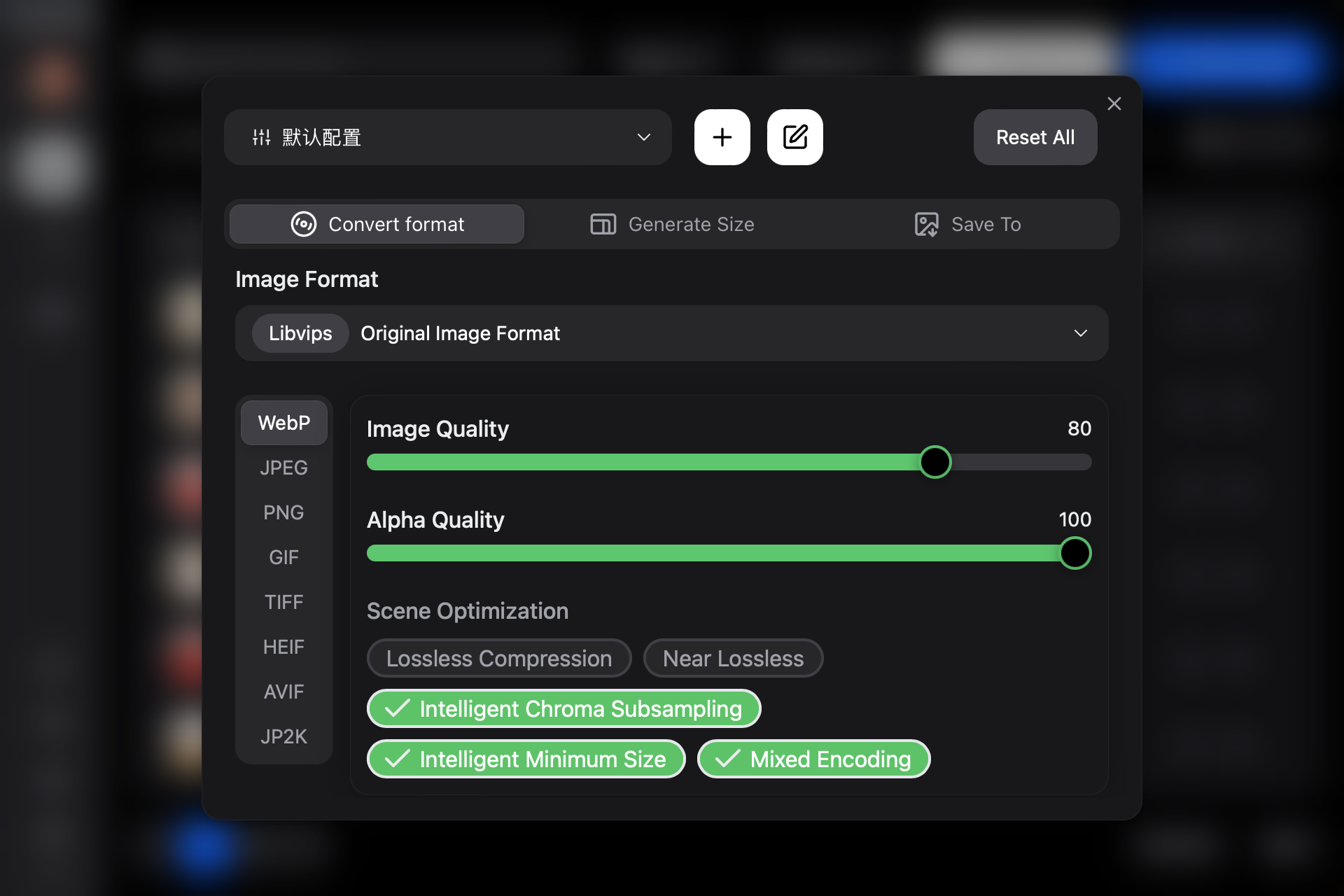
Multiple Formats
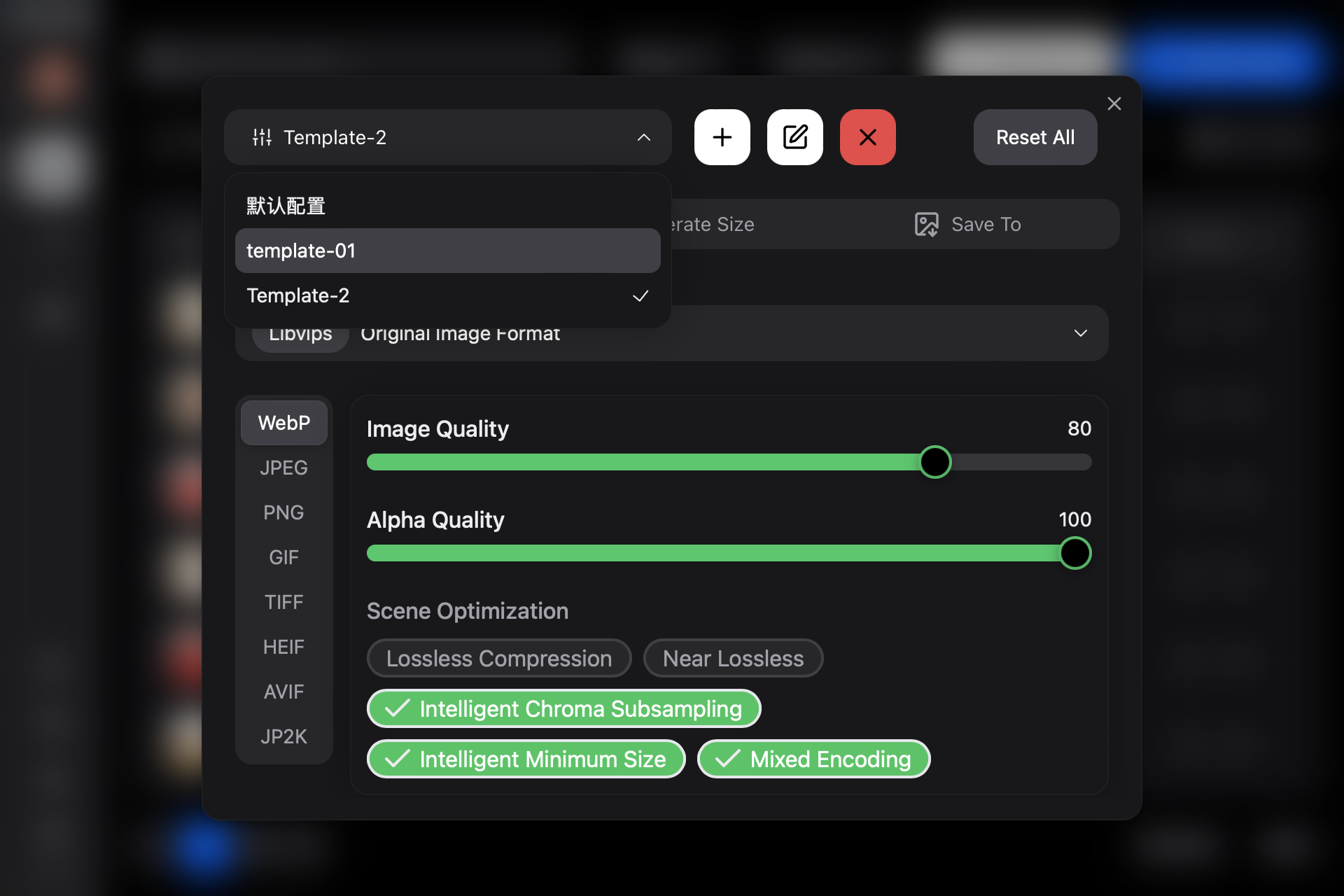
Custom Template
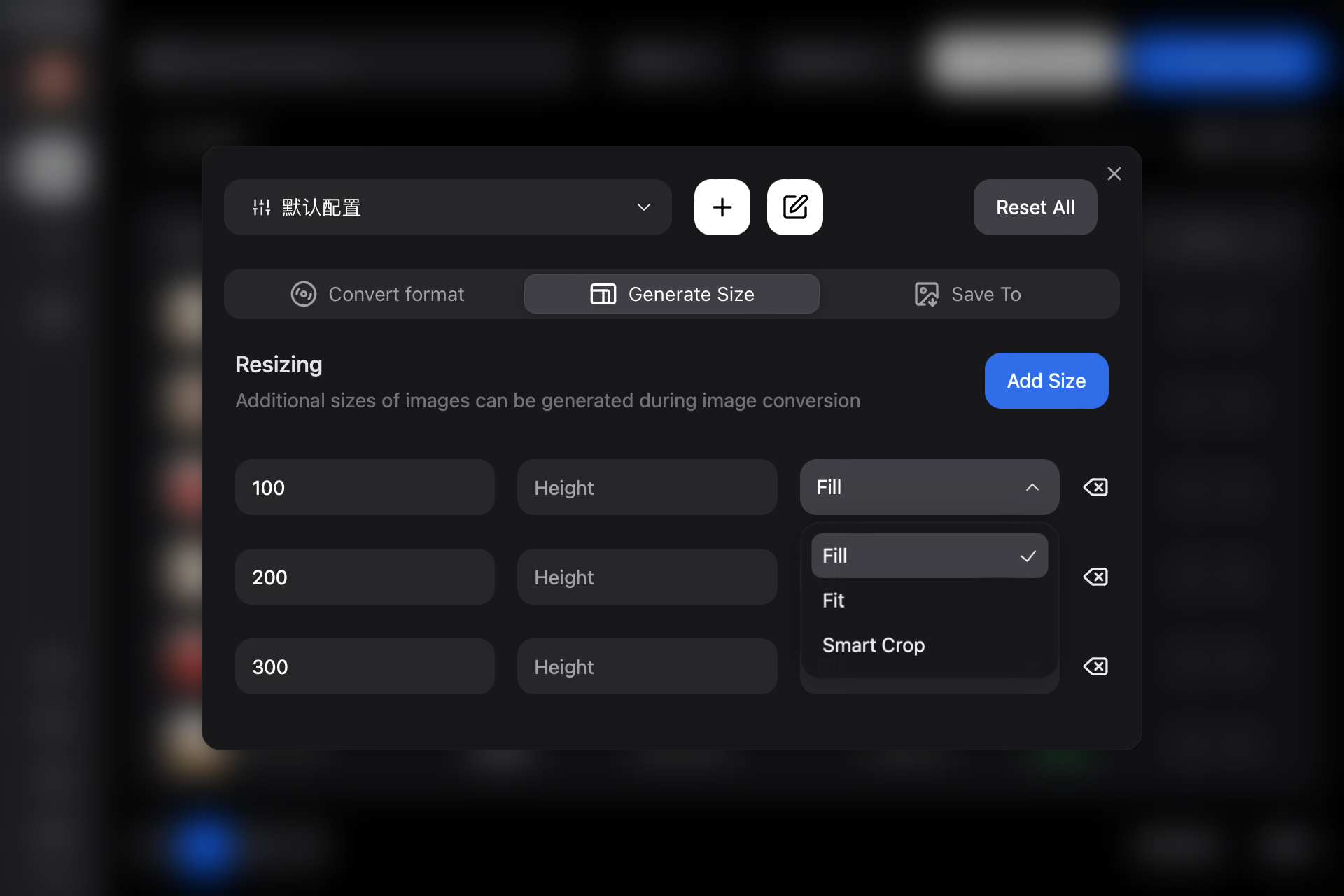
Custom Size
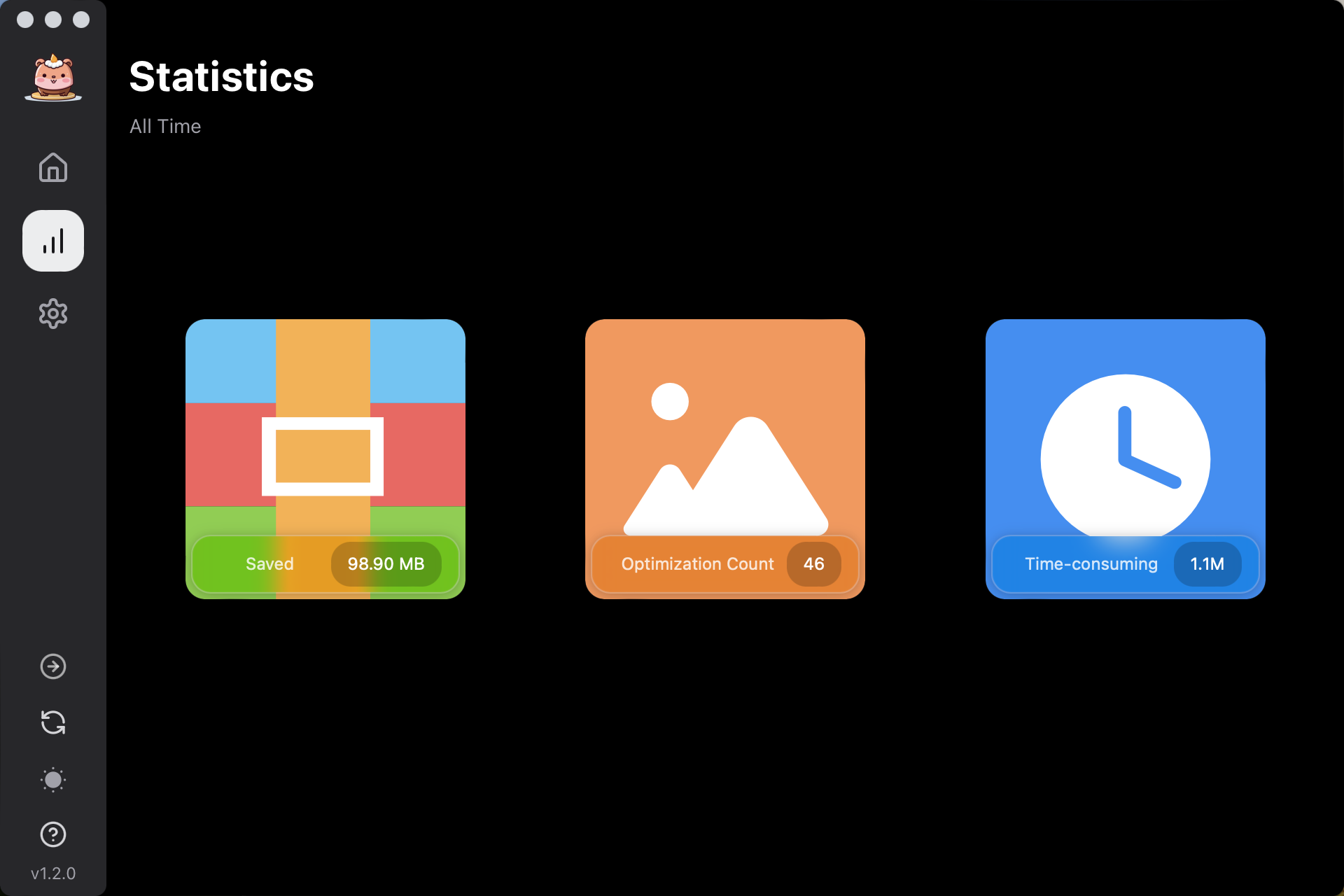
Data Statistics
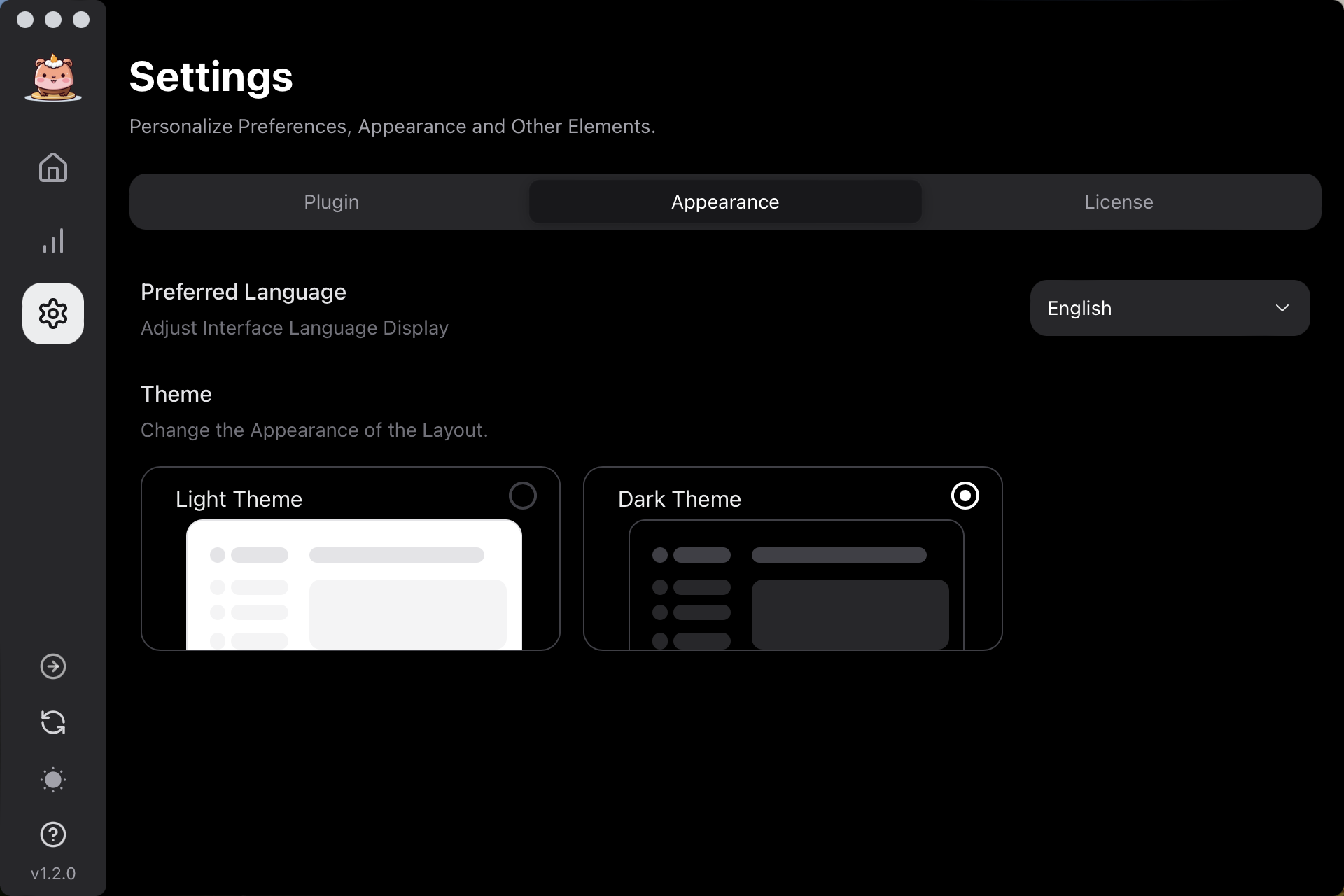
Advanced Features
Real Examples
All images shown below are for illustration purpose only, these images are the property of their respective and rightful owners.
Pricing
Choose the plan that fits you
Transparent pricing, choose as you need
Free
For starters and hobbyists that want to try out.
Free
- 25 Images per day
- Multiple Formats
- Custom Template
- Custom Size
- Source File Overwrite
- Advanced Features
Update
Update History
Latest version
FAQs
Frequently asked questions
Last updated